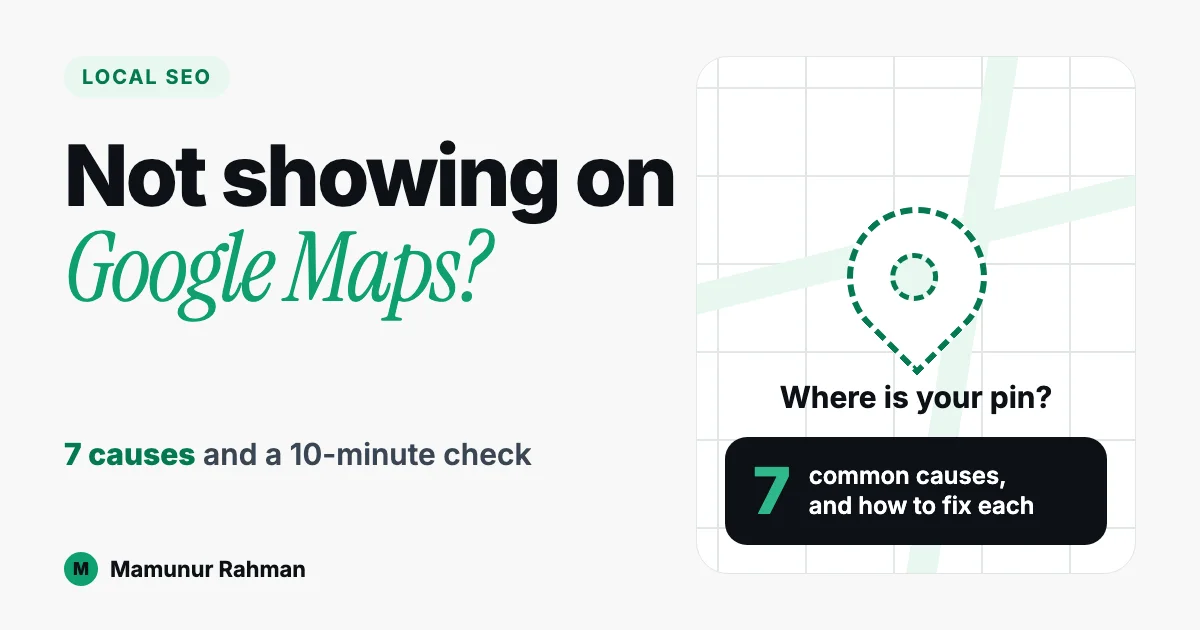
Your business isn’t showing on Google Maps usually because its profile is unverified, suspended, missing a proper category or address, or too incomplete for Google to match to the search. Google ranks local results on relevance, distance and prominence, so a correct, verified, complete profile is the first fix.
Here are the causes in the order I would check them, then a 10-minute self-check. Claims about Google link to its Help pages.
1. The profile is not verified
Google says that “only verified businesses can show their business info on Maps and Search” (Find your business on Google). If you added your business but never finished verification, this is the first thing to fix (see checklist step 1).
Google picks the method (for example phone or text, email, video or postcard) and you can’t change it. Postcard codes mostly arrive within 14 days. Review takes up to 5 business days, rarely longer (Verify your business).
2. The profile is suspended or disabled
Google says a profile that breaks its guidelines “won’t show to other users on Google until you resolve the issue” (Find your business on Google). To get it back you have to appeal (Fix suspended or disabled profiles).
Open the appeals tool first: it shows the reason and a link to the policy involved. Evidence is optional but Google “highly recommend[s]” it: business registration, a licence, tax certificates or utility bills. Submit the evidence form within 60 minutes of opening it.
3. The category is wrong or too vague
Google states that “the categories you select affect your local ranking” and tells you to pick a specific category (Manage your business category).
4. The address or service area is set up wrongly
If customers visit you, add a complete street address. Hide it only if you are a service-area business that doesn’t serve customers at its address (Manage your business address). Google’s eligibility guidelines rule out P.O. boxes and remote mailboxes, and co-working offices need signage and your own staff on site.
Check the pin and postcode match your real location.
5. The profile is thin
Google says businesses with “complete and accurate info are more likely to show up in local search results” (Improve your local ranking). Add hours, phone, website, services and photos.
6. There is a duplicate listing
Google says multiple profiles for the same business “are against our policies” (Resolve duplicate profiles). A profile marked as a duplicate “won’t show on Google Search or Maps”. You can claim an unverified listing, request access to a verified one, or suggest a merge on Maps.
7. The profile is fine, but others outrank it or you are too far away
Google says local results are “mainly based on relevance, distance, and popularity” (Improve your local ranking), and the same page calls popularity prominence. Distance is how far you are from the searcher, so two people can see different results. See how Google ranks local businesses and do reviews help ranking.
Time matters too: Google says new businesses can take up to a month to rank, and edits up to 3 days.
Your 10-minute self-check
- Search your business name plus area in Google Maps. Does a profile appear at all?
- Search your business name, or “my business”, on Google while signed in to see your profile’s status. Any verification prompt or suspension notice?
- Category: is it specific to your main service?
- Address: complete and correct, or hidden because you are a service-area business?
- Fill the gaps: hours, phone, website, services, photos.
- Search your phone number in Maps to spot a second listing.
- Search your main service and area (for example, “hair salon Cheras” or “plumber Puchong”) from a phone near you. Found by name but not by service means a ranking issue.
FAQ
How do I make my business visible on Google Maps?
Start with the basics Google controls: finish verification, choose a specific category, enter a complete and correct address (or set a service area), and fill in hours, phone, website, services and photos. After that, visibility depends on relevance, distance and prominence, so keep the profile accurate and build real reviews over time.
Why is my business not showing up on Google Maps?
Common reasons are an unverified or suspended profile, a wrong category, address errors, a thin profile or a duplicate listing. If none of these apply, your profile may be fine but outranked by closer or more prominent businesses for that search.
How long does it take for a new business to show on Google Maps?
Google says new businesses can take up to a month to rank, and edits up to 3 days to show. Verification review alone can take up to 5 business days, so finish verification first, then allow time for changes to show.
Can I show my business on Maps if I work from home?
It depends. If customers visit your home during stated hours, you can list that address. If you travel to customers, set up as a service-area business and hide your home address. Google’s eligibility guidelines cover businesses with a location customers can visit or that travel to customers, so a purely online business does not fit.
Can I pay Google to rank higher on Maps?
No. Google says there is “no way to request or pay for a better local ranking on Google.” You can control verification, category, accurate information and prominence signals.
Still not showing?
If your profile is clean but still isn’t found where customers search, that is ongoing work. My Local SEO service covers profile management and local visibility. The Local Visibility Retainer has an intro rate of RM800-1,200 per month; see Local SEO pricing.
Written by Mamunur Rahman, who helps small businesses in Malaysia get found on Google Maps through Google Business Profile, local SEO and WordPress.

Mamunur Rahman
Digital marketer in Kuala Lumpur doing local SEO, Google Business Profile and WordPress websites for Malaysian businesses. Everything published here is tested on my own site first.
More about me